PETG is one of the easiest plastics to live with—until the filament varies from spool to spool. When diameter tolerance, spool tension, or moisture control are off, you’ll see stringing, inconsistent layers, and frustrating first-layer behavior.
This guide breaks down how to judge PETG filaments by spool quality, which print settings usually control the biggest PETG issues, and which well-known brands are good starting points depending on what you’re printing.
What Makes a Good PETG Spool

- Diameter tolerance and uniformity: PETG is sensitive to small diameter changes. Consistent diameter helps keep extrusion steady and layer lines uniform.
- Clean, smooth filament surface: Dirt, debris, or roughness can trigger popping, uneven flow, and worse stringing.
- Color and pigmentation consistency: Some colors can look blotchy if the filament isn’t blended consistently. Even if strength is similar, your finish won’t be.
- Winding and spool tension: A tightly wound or tangled spool can cause feed variability. That variability often looks like random under-extrusion or shifting walls.
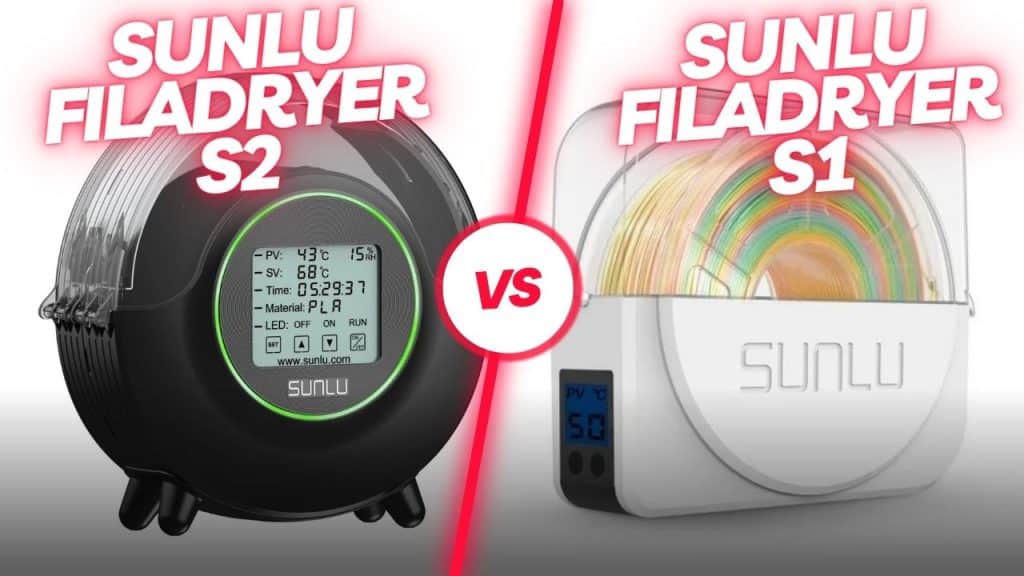
- Dryness and freshness control: PETG absorbs moisture from the air. If the spool isn’t well protected, expect bubbles, hissy extrusion, and messy surfaces.
If you’re choosing between two “similar” PETG brands, prioritize the one that feels smooth to pull, feeds without snagging, and arrives well protected.
PETG Print Settings That Control Stringing
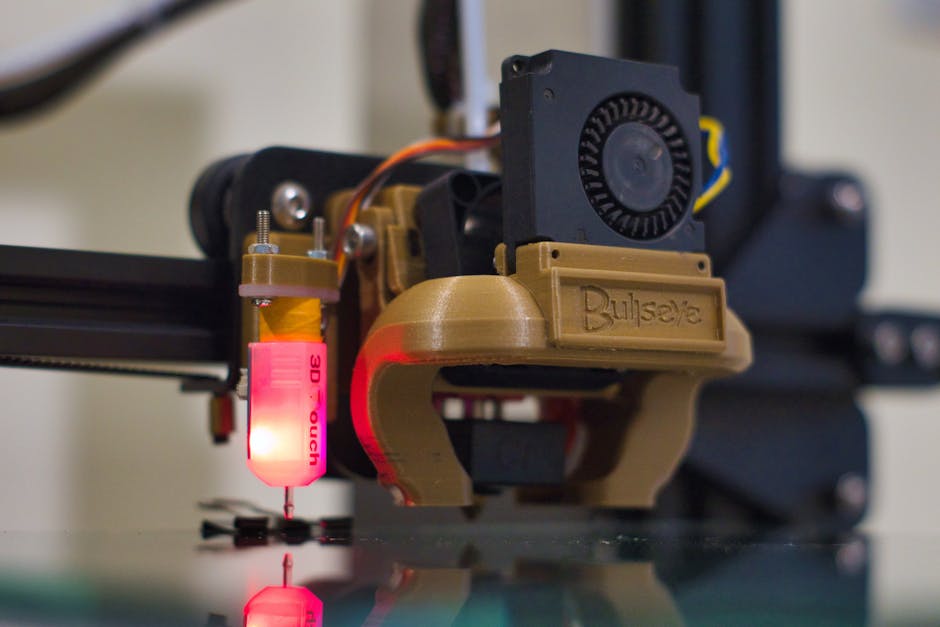
Use this starting sequence when testing a new PETG spool:
- Dry the filament (especially if it’s been open or stored in a humid space). Moisture shows up as bubbles and surface pitting.
- Start with a mid-range nozzle temperature for PETG and print a small test. If you go too hot, you typically get more stringing and softer detail.
- Tune bed temperature for adhesion, not for “melting more.” PETG usually likes a slightly warm bed to keep the first layer from lifting, but excessive bed heat can worsen surface gloss or lead to gooey first layers.
- Set retraction and travel behavior conservatively, then adjust based on results. More retraction can reduce strings, but too much can cause clogs and under-extrusion.
- Use cooling thoughtfully: too little cooling can blur details; too much cooling can reduce interlayer bonding and make parts feel weak.
After your first test, change only one variable at a time. PETG responds quickly, so “shotgun tuning” usually costs more time than it saves.
Overture PETG for Everyday Parts
If your goal is dependable, no-drama PETG for functional prints, Overture can be a solid place to start—especially when you want consistent feeding and a predictable look.
A good example is OVERTURE PETG 1kg 1.75mm Starry Blue. This kind of PETG is typically a good fit for items where appearance matters (clean walls, readable dimensions) and where you don’t want to spend the day chasing extrusion weirdness.
Strengths
You can usually expect behavior that’s easier to dial in: stable extrusion helps you focus on speed and surface finish instead of constant corrections.
Weaknesses
As with any PETG, if the spool has absorbed moisture, you’ll still see bubbling and stringing. Storage and drying matter just as much as the brand.
3D Solutech PETG for Dark and Practical Prints
3D Solutech is often chosen by people who want PETG that prints consistently for practical builds—brackets, covers, and parts that see real handling.
3D SOLUTECH PETG 1kg 1.75mm Real Black is a good example of a darker PETG option. Dark colors can hide minor cosmetic issues better than light colors, so they’re a common pick when you’re optimizing for strength and usefulness.
Strengths
A lot of PETG buyers gravitate to this type of material when they want dependable layer bonding and stable results after tuning once.
Weaknesses
If your printer’s cooling or retraction tuning is off, darker PETG can still show stringing in travel moves. Color doesn’t fix tuning problems—it just changes how they’re perceived.
eSUN PETG for Consistent Layer Bonding
eSUN is widely used by hobbyists and small makers because it tends to be straightforward to print with once settings are dialed. That matters because “easy to tune” is what keeps PETG from becoming a maintenance headache.
eSUN PETG 1kg 1.75mm Grey is a typical example you can treat like a baseline filament. If your printer is properly calibrated, this kind of PETG can give you strong interlayer adhesion for general-purpose parts.
Strengths
You’re often able to get good results without constantly chasing temperature swings, which helps when you’re printing multiple parts in one session.
Weaknesses
If your first-layer setup isn’t dialed in (Z-offset/bed leveling), even consistent PETG can still lift or produce uneven bonding. PETG needs a confident first layer.
Troubleshooting PETG Quality Fast
When PETG doesn’t behave, it’s usually one of a few root causes. Here’s how to diagnose it without guessing for hours.
- Stringing or wispy hairs: Most often linked to moisture, too-warm nozzle temps, or retraction/travel settings that are too gentle. Dry the spool first, then reduce temperature slightly and re-check retraction.
- Bubbling, popping, or rough surfaces: Almost always moisture. Dry the filament and keep it stored sealed if your environment is humid.
- Weak layers or parts that snap easily: You may be cooling too aggressively, printing too fast for your temperature, or using settings that under-extrude slightly. Slow down a touch, ensure good bed adhesion on the first layers, and reduce aggressive cooling.
- First-layer problems (lifting, curling, or patchy adhesion): Check bed level and nozzle height, then confirm bed temperature is high enough for adhesion without turning the first layer into a smeared mess. Also make sure the bed surface is clean.
PETG can look “forgiving” because it tolerates some mistakes, but the better you control moisture and extrusion consistency, the more it behaves predictably.
A practical way to find your “best” PETG brand is to treat the spool like a test case: verify dryness, run a small stringing/overhang sample, and keep notes on what you changed. If you want a safe starting point across many printers, begin with one of the options above, then keep buying the brand that matches your printer’s tuned sweet spot for the types of parts you make.
PriceIt3D may earn a commission when you buy through links on this page, at no extra cost to you. Affiliate notice.